
The schedule consists or multiple day part, which are a segment of a week, and can define things like morning, afternoon, dinner, lunch, happy hour and more. A schedule can also be used for events, like a public holiday.
Order Wait Time
You can us this to set how much time it would take during a day part to start a customers order.
The time a customer is given is the current time plus the current wait time plus the prepare time for each item in the order plus the maximum cook time of the order.
If two days parts overlap, the largest wait time is used.
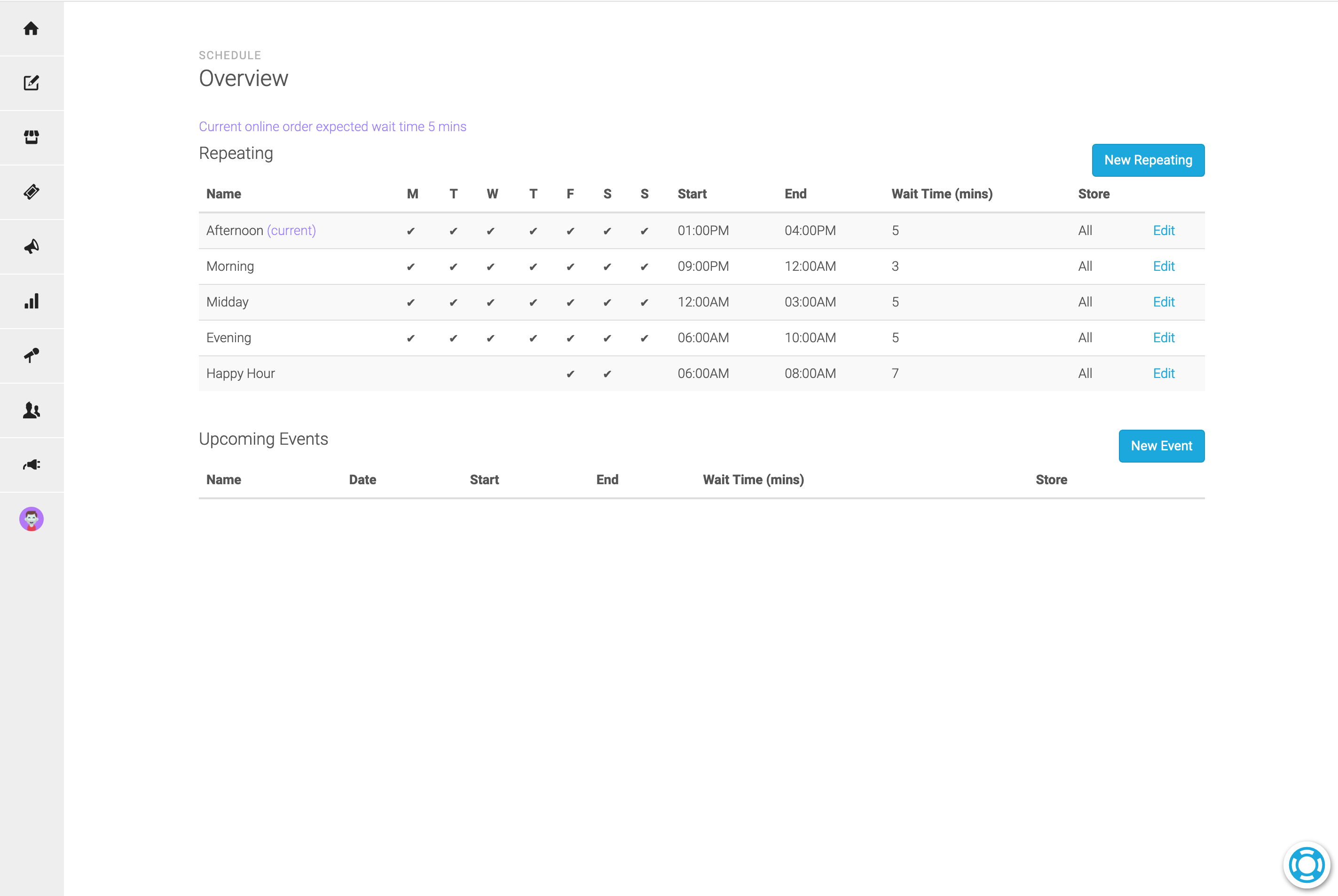
A store specific wait time will be used instead of a general wait time.
Dashboard
From the ordering dashboard you can see the current wait time and also temporarily increase the wait time.
Menu Availability
Do items change availability regulary each day. eg. Breakfast, Lunch or Dinner only items
Example: Cafe where the Kitchen closes early
A Repeating Schedule item can cover the kitchen closed time, and can then be used to make Cooked Food items “unavailable” during this scheduled time
Pricing
Happy hour pricing? Or Taco Tuesday prices?
These can be achieved with a Repeating Schedule item. Create the schedule first and then create a new price on an item using this schedule.